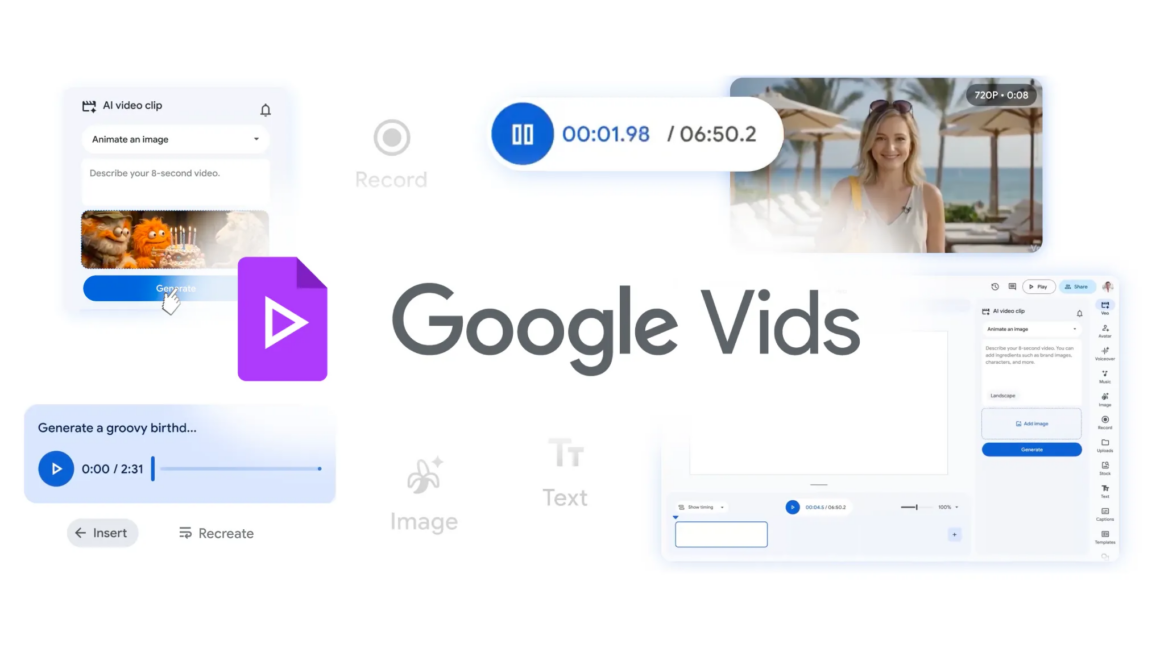
Google's New Vids App Lets You Command Avatars Like a Pro
Google Vids just became your video-making playground—control avatars with text prompts!

Key Takeaways
- 1Google introduces avatar control via prompts in its Vids app
- 2The new feature lets users customize avatars more easily
- 3This update opens up creative possibilities for video creation
Why Avatars Just Got Smarter
You know that sci-fi dream where you command digital characters with just your voice or text? Well, Google is nudging us closer thanks to its latest update in Google Vids. Now, you can essentially 'tell' avatars what to do and how to behave. It's like having a little director's megaphone, but digital.
How It Works
Imagine you're creating a video and want your avatar to express a range of emotions or perform certain actions. Using straightforward prompts, you can guide these digital stand-ins to act in specific ways. Whether it's a subtle eyebrow raise or an elaborate dance, Vids is making it easier than ever. Check out similar crafting tools like Claude or ChatGPT to explore other AI-driven interactions.
The Tech Behind the Curtain
This update leans heavily on cutting-edge AI models, continuing the march towards more intuitive and user-friendly tools. It capitalizes on advancements that Google's been rolling out across its AI products, and it's a clear sign they're serious about owning the video creative space. Curious about what makes AI tick? Our Claude resources unpack some of the magic.
What Could Go Wrong?
Though promising, this update does raise questions. How realistic do you want your avatars to be? There's always been a debate about the uncanny valley, and this tech dances near it. Not to mention ethical considerations - how might these be misused? Legit concerns, and ones that could shape the future use of avatars down the line.
What This Means For You
If you're dabbling in video creation but lack the budget for a full crew, Google Vids is handing you the reins. It's making professional-level video creation more accessible. Start experimenting - your only limit is your imagination (and maybe a little AI prompt crafting). For those learning AI, it's a hands-on way to see AI integrations in action.
Think beyond the usual 'record and edit' mentality. This is your sandbox. Use it.